This Guide will show you the steps on how to save the configuration from Amedtec.
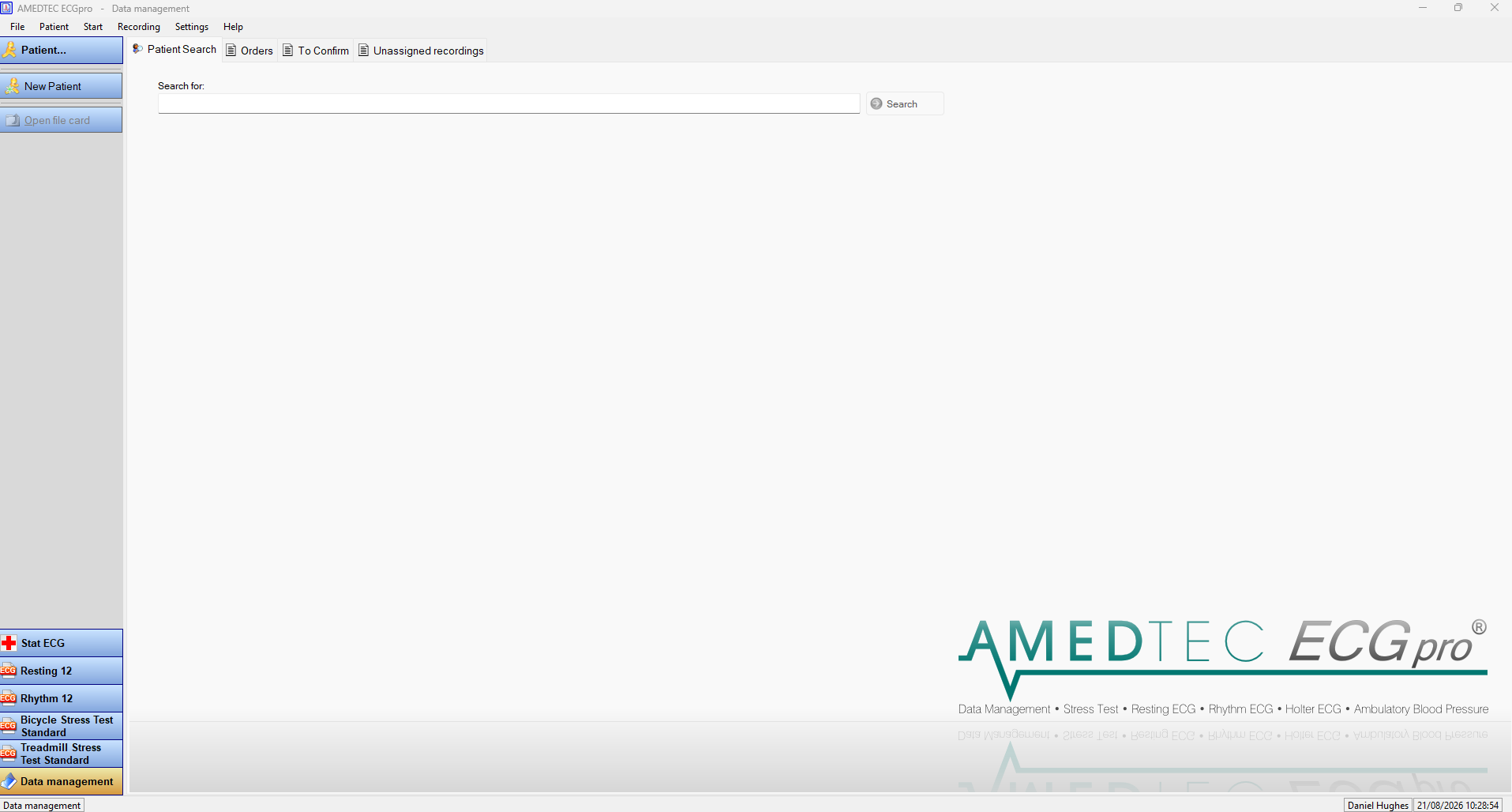
Firstly you will need to have Amedtec open:
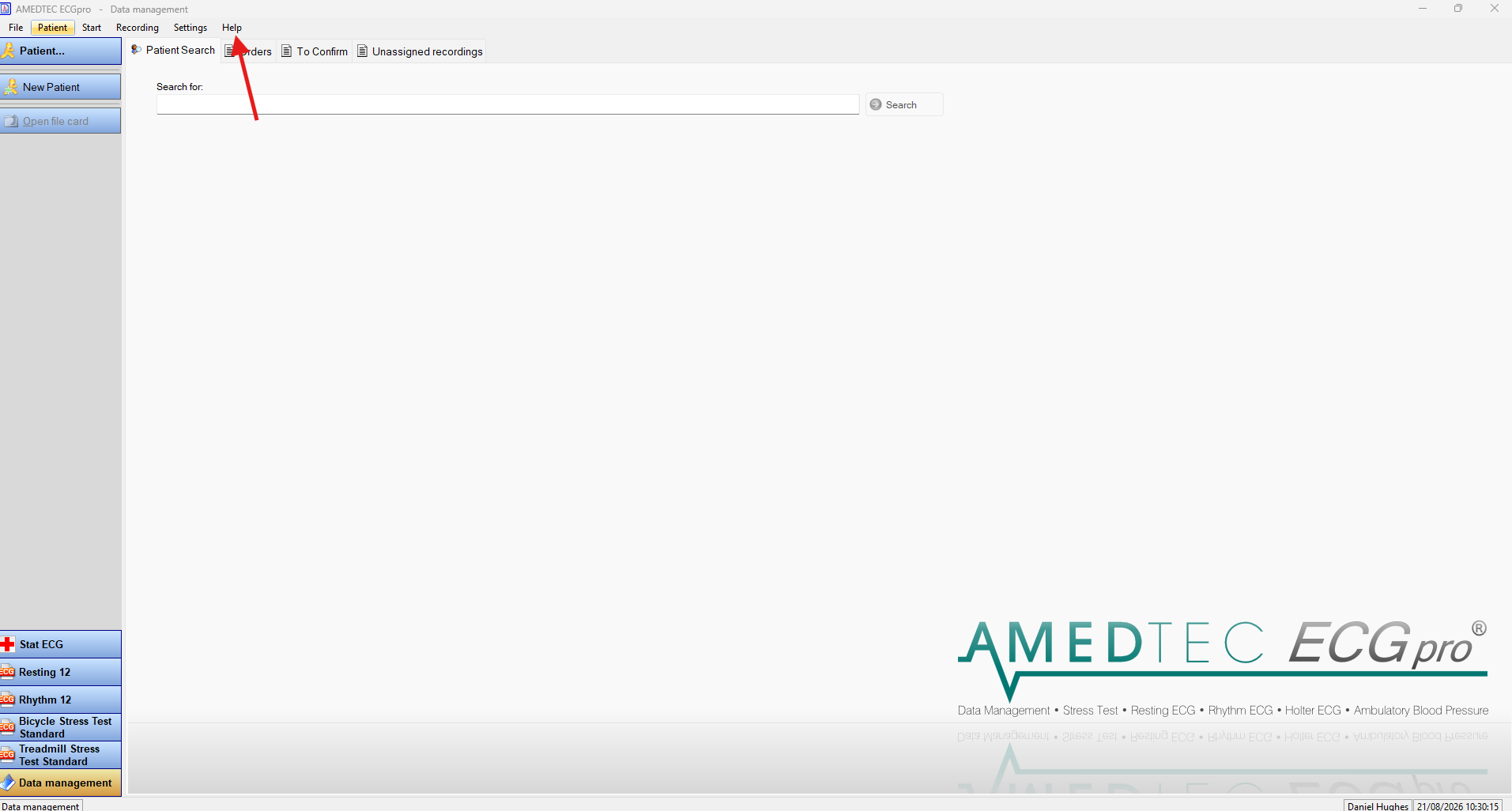
Then at the top of Amedtec there is a help button that you need to press:
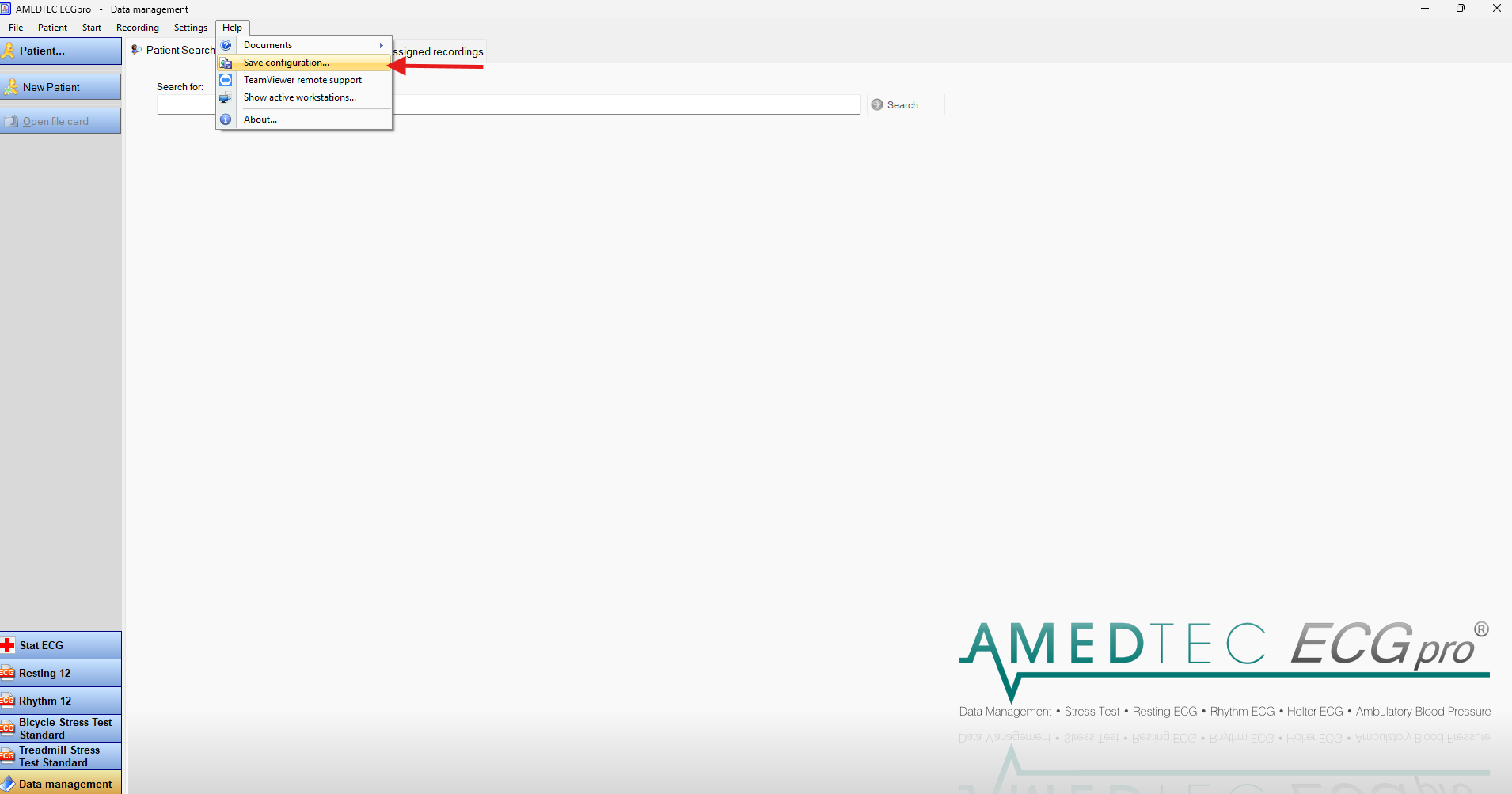
Once you have pressed the help button a drop down should appear and you then need to click save configuration:
Then you need to save the file to where you are going to remember and send the file over to us via email.
Was this article helpful?
That’s Great!
Thank you for your feedback
Sorry! We couldn't be helpful
Thank you for your feedback
Feedback sent
We appreciate your effort and will try to fix the article